Noise Gate
Threshold, hysteresis, attack/hold/release envelope with optional spectral noise reduction. Keeps your signal clean before it hits the chain.
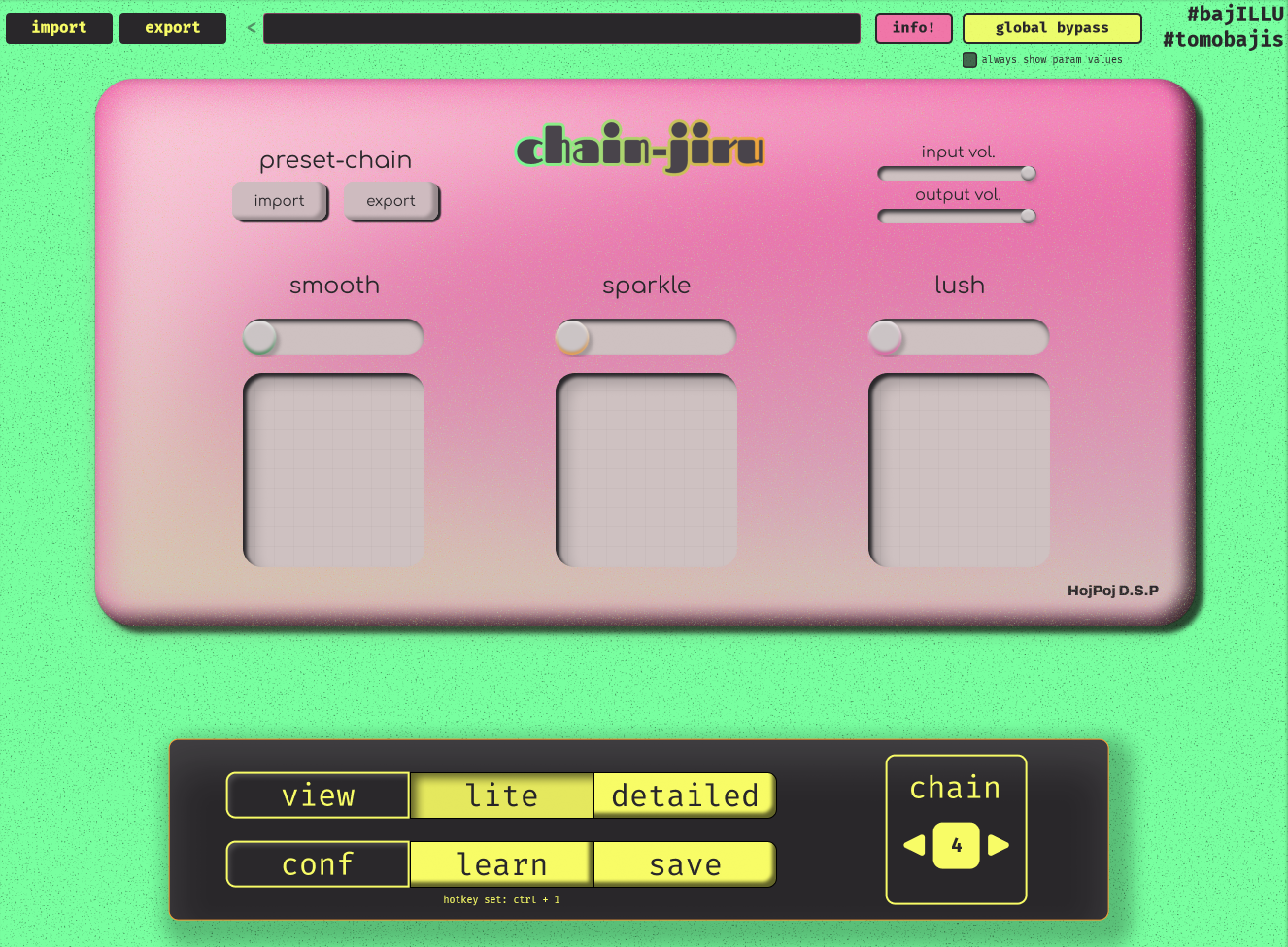
A full channel strip with noise gate, 5-band dynamic EQ, multiband compressor, compressor, and hybrid reverb. Reorderable DSP chain with EQ sidechain routing, nine saveable preset chains with hotkey switching, and import/export for sharing presets. Lite mode condenses everything into three macro faders.
Threshold, hysteresis, attack/hold/release envelope with optional spectral noise reduction. Keeps your signal clean before it hits the chain.
Low shelf, three parametric peaks, and high shelf — with per-band frequency, gain, and Q. Outer bands cycle between shelf, 12dB/oct, and 6dB/oct filter modes via alt+right-click. Double-click any dot to type exact values. Static and dynamic modes with compression/expansion visualization.
2 to 8 bands with draggable crossover dividers, per-band threshold, ratio, attack, release, and input/output gain. Crossovers auto-redistribute when changing band count. Solo, bypass, and select per band. Real-time FFT spectrum behind the graph.
Feedforward or feedback topology, soft knee, and makeup gain. Smooth glue compression or aggressive limiting.
16-line FDN with allpass diffusion, partitioned convolution bloom, frequency shifting warp, and damping control. 3D waterfall spectrogram. Optimized for low-latency — runs clean at 96kHz/64 samples.
Three macro faders — Smooth, Sparkle, and Lush — control the entire chain from a single view. Nine saveable chains with hotkey switching and .chainjiru preset import/export.
Drag the DSP processing order to taste — put reverb before compression, EQ after the gate, whatever works. Route the EQ as a sidechain to the compressor or multiband compressor. Per-chain ordering saved with presets.
Ctrl+click any fader or EQ dot to reset to default. Double-click to type an exact value. Scroll wheel adjusts EQ Q. Alt+right-click toggles EQ filter types and reverb wet-only bus mode.
1. Run the .exe installer
2. SmartScreen may warn — click "More info" then "Run anyway"
3. VST3 installs to C:\Program Files\Common Files\VST3\HojPoj\
4. Rescan plugins in your DAW
1. Open the .dmg and read install.txt
2. Drag the .vst3 bundle to /Library/Audio/Plug-Ins/VST3/
3. Drag the .component to /Library/Audio/Plug-Ins/Components/
4. Follow the instructions in install.txt
5. Rescan plugins in your DAW
1. Extract the archive
2. Copy the .vst3 bundle to ~/.vst3/
3. Copy the .so to ~/.vst/ for VST2
4. Rescan plugins in your DAW